

Quick answer: The latest BMW software update as of mid-2026 is version 03/2026.54 (part of the broader 03/2026 rollout). This update delivers proactive navigation features, optimized parking space recognition, and stability enhancements for BMW Operating System 8.5.
Key takeaways:
- BMW distributes major Remote Software Upgrades (RSU) three times a year, typically in March, July, and November.
- Upgrading from Operating System 8 or 8.5 to Operating System 9 is not possible because OS 9 requires Android Automotive-compatible head unit hardware.
- Failed over-the-air updates are often caused by low 12V battery voltage or glitched older firmware versions like 11/2023.73.
- Performing a software upgrade will restore all vehicle modules to factory defaults, erasing third-party custom coding modifications.
The Latest BMW Software Version (03/2026 Rollout)
The most current software version for modern BMW vehicles is the 03/2026 series, specifically version 03/2026.54 for iDrive 8.5. This rollout builds upon the previous version 25-11 (November 2025) release, focusing on refining existing digital functions rather than redesigning the user interface.
According to official documentation from BMW USA, the mid-2026 update introduces Proactive Navigation. This feature utilizes route-prediction algorithms to learn daily driving habits and suggest stopovers, such as charging stations or coffee shops, without requiring manual entry. Additionally, the update optimizes parking space recognition and improves connection reliability with home Wallbox chargers.
For vehicles in North America, this version also integrates the North American Charging Standard (NACS) updates initiated in late 2025. This enables compatible BMW electric vehicles to access Tesla Supercharger networks using approved adapters.
Dr. Christoph Grote, Senior Vice President of Electronics and Software at BMW Group, highlighted the scale and reliability of the over-the-air infrastructure: “Today, BMW is able to update the entire vehicle software in over nine million cars around the world via Remote Software Upgrade.” He added that this system “allows us to keep improving our vehicles without the need for a workshop visit,” delivering greater convenience and safety, as reported by Automotive Interiors World.
Because BMW distributes updates in waves based on regional configurations and Vehicle Identification Numbers (VIN), notifications may arrive at different times for different vehicles.
BMW Operating System 9 vs. 8.5: What Is the Difference?
A common point of confusion is whether vehicles running BMW Operating System 8 or 8.5 can upgrade to Operating System 9 via a standard software download. The direct answer is no.
Operating System 9 is built on an Android Automotive OS platform, which requires a completely different internal computer head unit. This hardware is installed on newer compact models, including the BMW X1, X2, and the redesigned X3. On the other hand, Operating System 8.5 is a Linux-based platform designed for larger luxury models, such as the BMW X5, X7, and 7 Series.
Because of these fundamental hardware differences, it is physically impossible to perform a BMW idrive upgrade from OS 8 or 8.5 to OS 9 over the air. However, BMW actively supports OS 8.5 with regular feature drops and security updates to keep the system current.
Note: Head unit hardware is factory-installed and cannot be retrofitted at a dealership to support a newer operating system architecture.
| Feature / Detail | BMW Operating System 8.5 | BMW Operating System 9 |
|---|---|---|
| Base Platform | Linux-based | Android Automotive OS |
| Typical Models | X5, X6, X7, 5 Series, 7 Series | X1, X2, new X3, 2 Series Active Tourer |
| Hardware Head Unit | MGU21 or similar | MGU22 or newer |
| Upgrade Path | Supported within OS 8.5 updates | Pre-installed, receives OS 9 updates |
| App Store Support | BMW ConnectedDrive Store | BMW Digital Premium Store |
How to Check and Install BMW Over-the-Air (OTA) Updates
Checking and installing a BMW Remote Software Upgrade can be managed directly from the driver seat or via your smartphone.
Step 1: Check for Available Updates
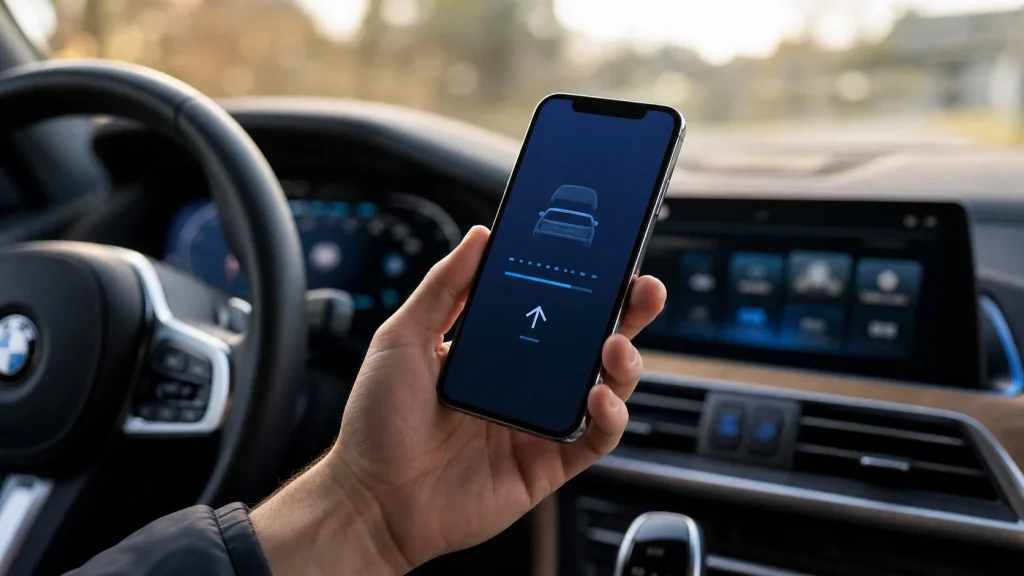
You can check for updates using the My BMW App on your mobile device. Navigate to the Services tab and select Remote Software Upgrade. Alternatively, you can use the central screen in your vehicle by going to Menu, then selecting All Apps, System Settings, and Remote Software Upgrade.
Step 2: Download the Software Package
If a new update is available, you can download it to your smartphone via Wi-Fi. The download will then transfer to your vehicle automatically in the background while you drive. You can also allow the vehicle to download the file directly using its built-in cellular connection.
Step 3: Complete the Installation
Once the download is fully transferred, the vehicle will prompt you to begin the installation when you park. To install the update, your vehicle must meet the following requirements:
- The vehicle must be parked on flat, level ground.
- The engine must be turned off.
- The automatic transmission must be in Park (P) with the parking brake engaged.
- The vehicle’s 12V battery must have a sufficient state of charge (typically above 40%).
The installation process takes approximately 20 minutes to complete. During this time, the vehicle’s systems will shut down and reboot. You will not be able to start the engine, drive the car, lock or unlock the doors electronically, or operate any electrical systems until the installation finishes.
Why Isn’t My BMW Software Updating? (Troubleshooting)
If you are notified of an update but the installation fails to start, or if your vehicle has not received updates for a long period, several factors may be responsible.
Insufficient Battery Voltage
Modern BMW vehicles protect their primary systems by blocking software updates if the 12V starter battery voltage is too low. The vehicle requires a high state of charge to ensure the computer systems do not lose power mid-installation, which could corrupt the vehicle’s control modules. If you frequently drive short distances, the alternator may not have enough time to charge the battery. To resolve this, take the vehicle on a continuous 30 to 40-minute highway drive or connect a compatible battery trickle charger.
Weak Cellular Reception
The vehicle must establish a secure connection with BMW’s servers to verify the software package before installation. If your vehicle is parked in a deep underground parking garage or a remote rural area with poor cellular service, the update process will halt. Move the car to an open area with strong signal strength to complete the download.
Glitched Firmware Versions
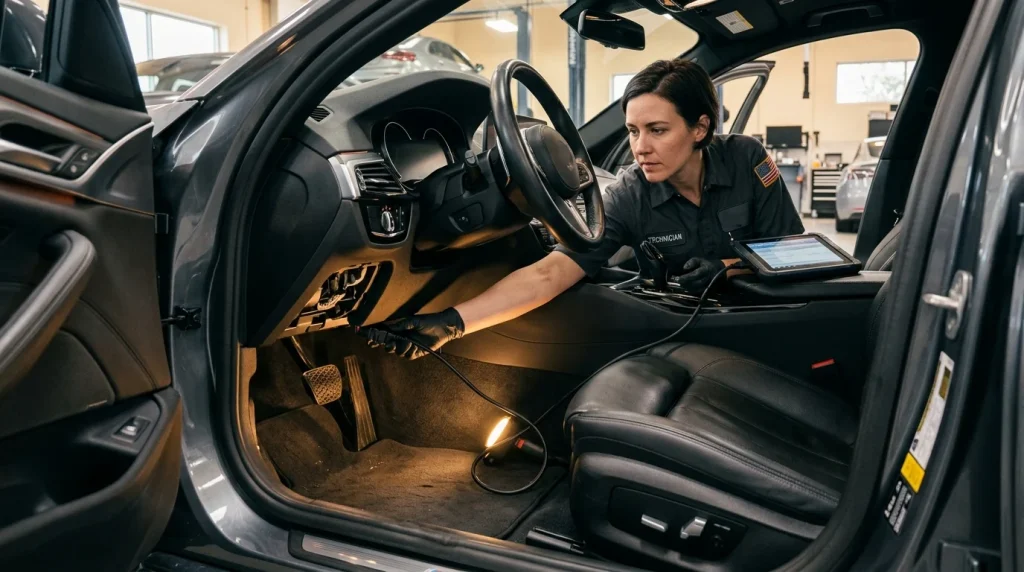
Certain older software releases are known to contain bugs that disable the over-the-air update receiver. For example, vehicles stuck on version 11/2023.73 frequently experience glitched OTA connections. In these cases, the update process will never trigger automatically. You must visit an authorized BMW service center, where a technician will connect diagnostic cables to the vehicle’s OBD port and manually flash the modules to the latest version.
What Happens to Custom Coding After a BMW Software Update?
Installing a BMW Remote Software Upgrade acts as a factory reset for the vehicle’s electronic control units. The upgrade overwrites existing coding files with new, factory-standard firmware.
If you have used OBD diagnostic tools or smartphone applications like BimmerCode to customize vehicle behaviors – such as disabling the engine Auto Start/Stop function, changing ambient lighting colors, or altering the digital instrument cluster design – all of these changes will be erased.
After the update, you will need to reconnect your coding tool and reapply your customizations. It is also important to wait until the developers of your chosen coding software release compatibility updates for the newly installed BMW firmware version, as coding an unsupported software version can cause system errors. If maintaining custom coding is a high priority, you can disable automatic updates in your vehicle’s system settings.
To stay informed about other technical guides, vehicle maintenance schedules, or industry developments, visit the Autvex News hub.
Frequently Asked Questions About BMW Software Updates
Can I upgrade my BMW from Operating System 8 or 8.5 to OS 9?
No. BMW Operating System 9 requires specific Android Automotive-compatible head unit hardware that is not present in vehicles built for OS 8 or OS 8.5. These systems cannot be upgraded to OS 9 via over-the-air downloads.
How often does BMW release Remote Software Upgrades?
BMW typically distributes three major software rollouts each year, usually in March, July, and November. Smaller bug-fix patches and regional updates are released in between major updates on an as-needed basis.
Does BMW charge for Remote Software Upgrades?
No, all standard Remote Software Upgrades that address system stability, provide security patches, or enhance pre-installed vehicle functions are free of charge. However, accessing certain third-party apps or advanced connected services on newer models may require an active BMW Digital Premium subscription.

