

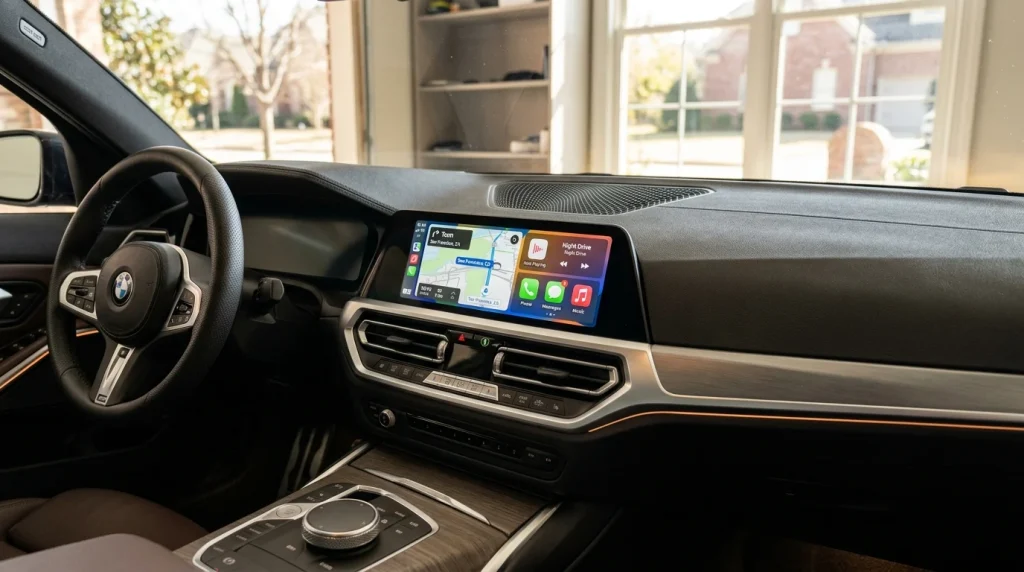
For drivers researching what year did BMW get Apple CarPlay, BMW first introduced the technology in 2016 as an optional factory feature on select vehicles, followed by a full lineup rollout in 2017. The 2017 BMW 5 Series became the first production car in the world to offer wireless Apple CarPlay. Although BMW originally offered CarPlay as a $300 standalone option and later transitioned to an $80 annual subscription model for 2019 models, the automaker eliminated all fees in December 2019, making Apple CarPlay a free standard feature across all compatible models.
Key takeaways:
- BMW introduced Apple CarPlay in 2016 for select models and made it available across the entire vehicle lineup starting in 2017.
- For 2016 model year vehicles, CarPlay compatibility required a production date of August 2016 onwards with factory Option 6CP wireless preparation.
- The 2017 BMW 5 Series made automotive history as the world’s first production vehicle equipped with wireless Apple CarPlay.
- BMW abolished its controversial subscription fee in December 2019, providing permanent free CarPlay access on compatible vehicles.
- All mainstream BMW models from 2017 onward support Apple CarPlay, spanning the 2 Series through 8 Series, X1 through X7, Z4, and electrified models (including the i3 from 2018 and i8 from 2019).
When Did BMW First Introduce Apple CarPlay? (2016 vs. 2017 Rollout)
BMW introduced Apple CarPlay in 2016 as a specialized option for a limited group of vehicles, followed by comprehensive availability across the entire vehicle lineup for the 2017 model year according to CarTech Studio’s BMW CarPlay model overview. This staged rollout allowed the Bavarian automaker to test its new hardware architecture before deploying smartphone projection to mainstream volume sellers. Drivers who purchased high-spec vehicles equipped with BMW Premium Package options were among the first to experience the system.
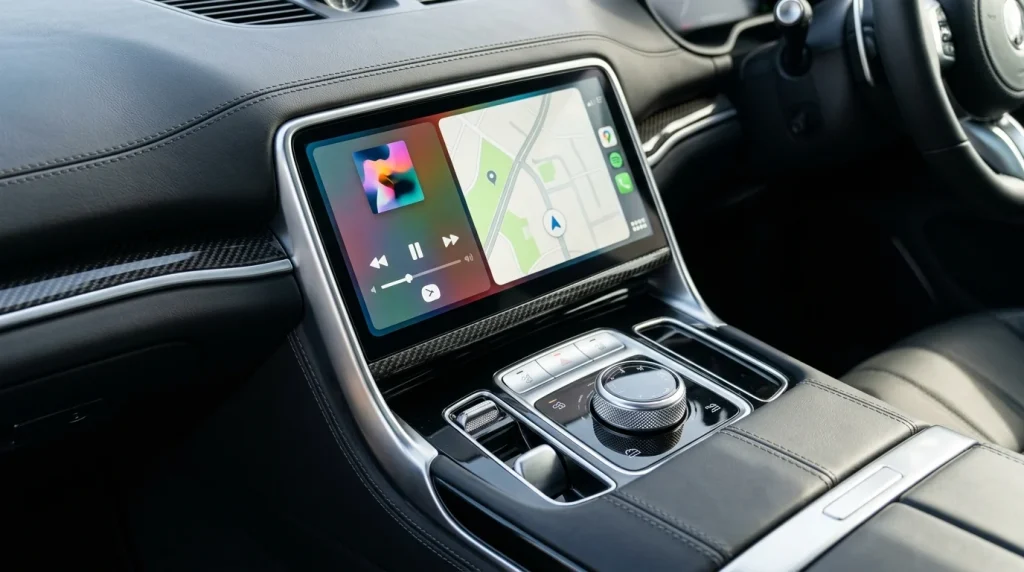
During this initial era, smartphone connectivity was closely tied to the underlying iDrive infotainment generation. BMW was transitioning from older hardware platforms to iDrive 5.0, which featured a tile-based user interface and upgraded processing power capable of handling screen projection.
2016 BMW Models: Production Requirements and Retrofit Options
In 2016, Apple CarPlay was only available as a factory option (Option 6CP) on specific models, including the 2 Series, 3 Series, 4 Series, M3, and M4. Compatibility was not universal across the entire 2016 production run. According to automotive connectivity documentation from CarTech Studio’s BMW CarPlay rollout guide, vehicles required a factory build date of August 2016 onwards.
Vehicles assembled before August 2016 lacked the requisite iDrive 5.0 (NBT Evo ID5) head unit hardware and the factory Apple CarPlay preparation package (Option 6CP). As detailed in BimmerTech’s BMW CarPlay compatibility guide, original BMW factory Apple CarPlay has always operated exclusively as a wireless system utilizing Bluetooth pairing and a dedicated Wi-Fi antenna, as BMW never supported wired USB CarPlay connections. Owners of earlier 2016 production models could not simply activate CarPlay through a software toggle; they required aftermarket hardware modules or aftermarket retrofits to enable Apple smartphone mirroring.
2017 Expansion: Full Lineup Rollout
Starting with the 2017 model year, BMW expanded Apple CarPlay availability across its full catalog of sedans, coupes, convertibles, and Sports Activity Vehicles (SAVs). The 2017 expansion included the 6 Series, 7 Series, X3, X4, X5, and X6, alongside the existing 2 Series, 3 Series, and 4 Series lineups.
By the end of 2017, Apple CarPlay had transformed from an experimental tech add-on into an essential selling point across BMW dealer showrooms in North America and Europe. While modern vehicles receive the latest BMW software update rollouts to maintain and upgrade digital cockpit features, earlier 2017 models established this factory smartphone connectivity directly at the production level. The division between 2016 and 2017 models creates significant confusion in the used car market. Buyers inspecting a 2016 BMW must check the vehicle door jamb sticker to verify a build date of August 2016 or later, whereas any 2017 model year BMW equipped with Navigation Professional possesses factory compatibility.
The Wireless CarPlay Milestone: 2017 BMW 5 Series
The 2017 BMW 5 Series marked a major milestone in automotive technology by becoming the first production car in the world to feature wireless Apple CarPlay. When BMW unveiled the seventh-generation 5 Series sedan (chassis code G30) in late 2016 for the 2017 model year, it eliminated the requirement for a physical Lightning cable connection.
While rival luxury automakers required drivers to plug their iPhones into a center console USB port, BMW partnered with audio and connectivity specialist HARMAN to develop a dual-band wireless handshake protocol. The system utilized Bluetooth Low Energy to authenticate the device upon vehicle entry, followed immediately by an automatic handover to an onboard 5 GHz Wi-Fi network. This high-bandwidth local connection streamed high-resolution navigation maps, lossless audio, and Siri voice commands without lag.
This wireless breakthrough reflected BMW’s broader engineering philosophy of delivering cockpit refinement, a quality often compared when evaluating performance icons like the S58 twin-turbo engine in the BMW M4 alongside daily driving comfort. Drivers could keep their smartphones inside a pocket, briefcase, or on the inductive wireless charging tray while maintaining complete access to Apple Music, Spotify, Apple Maps, and hands-free messaging. The tech soon migrated to high-performance variants, which drivers frequently explore when comparing the BMW M3 and M4 for balance between track capability and cabin amenities.
Note: Wireless Apple CarPlay relies heavily on a dedicated factory Wi-Fi antenna. In some early production models where original buyers omitted the smartphone integration package, the head unit firmware supported CarPlay but lacked the physical antenna, causing dropped signals until an inexpensive antenna cable was retrofitted behind the head unit.
The Subscription Era: From Annual Fees to Free Standard Access
When BMW rolled out widespread CarPlay across its lineup in 2017, the company initially charged a standalone one-time fee before transitioning to an annual subscription model for 2019 model year vehicles and ultimately reversing the decision in late 2019. This pricing experiment became one of the most widely debated infotainment strategies in modern automotive history.
The Initial $80 Annual and $300 Lifetime Pricing Structure
Under BMW’s original pricing structure, Apple CarPlay was packaged as a standalone factory option costing approximately $300 for lifetime access. However, for the 2019 model year, BMW transitioned to an annual subscription system:
- Year 1: Complimentary 12-month trial included with new vehicle purchase.
- Annual Renewal: $80 per year for continued connectivity.
- Alternative Option: A 240-month (20-year) lifetime access package priced at approximately $300.
BMW defended the recurring fee by arguing that wireless integration required ongoing engineering maintenance, server backend support, and continuous compatibility testing as Apple released major iOS updates. However, automotive critics and luxury car owners strongly pushed back, noting that mainstream economy cars from Toyota, Honda, and Hyundai included both Apple CarPlay and Android Auto free of charge. This friction added to the broader long-term cost comparison between BMW and Mercedes, where technology packages significantly influenced total cost of ownership.
December 2019: Dropping the Subscription Fee for Good
Facing sustained customer pushback, BMW officially eliminated the CarPlay subscription fee in December 2019. According to an official BMW spokesperson statement confirmed in Autocar’s reporting on BMW dropping CarPlay subscription fees, BMW decided to drop the subscription fee and make Apple CarPlay complimentary for the lifetime of the vehicle on all compatible models.
The automaker updated its ConnectedDrive backend servers globally, automatically activating permanent CarPlay access for all vehicles running iDrive 5.0, iDrive 6.0, and iDrive 7.0 equipped with Navigation Professional or factory Apple CarPlay preparation. Customers who had already prepaid for multi-year subscriptions received refunds or automatic account conversions to permanent lifetime status. This policy reversal permanently removed smartphone connectivity from regular BMW maintenance costs and ownership upkeep considerations.
Which BMW Models Have Apple CarPlay?
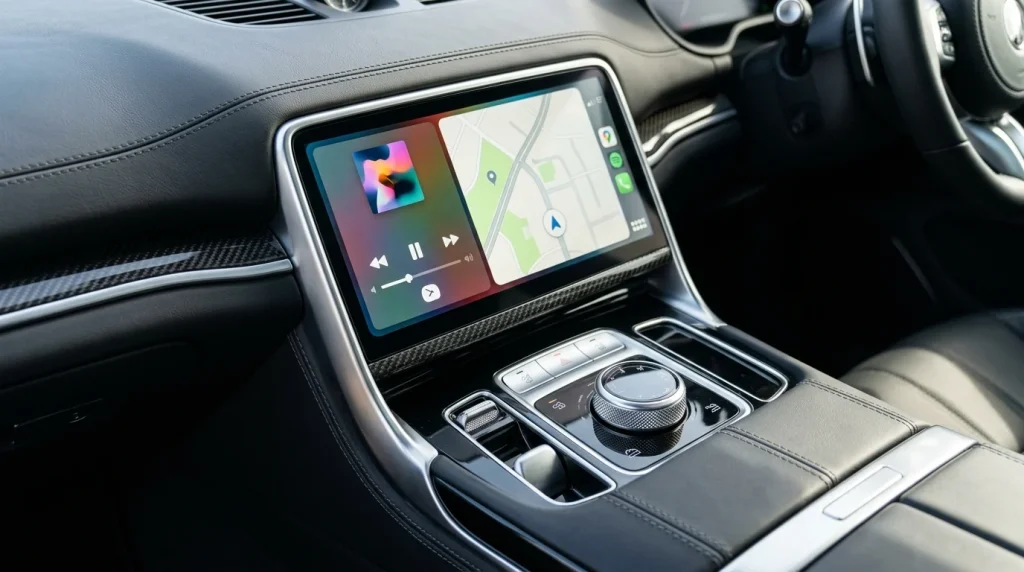
All BMW models from the 2017 model year onward include Apple CarPlay compatibility, covering passenger cars, SAVs, and electric vehicles across the catalog. The following sections outline vehicle compatibility and factory standard milestones.
| Model Series | Model Years Supported | Connection Type | Factory Equipment Level |
|---|---|---|---|
| 2 Series / M2 | 2017 to Present (Select late 2016) | Wireless (Option 6CP) | Optional (2017-2018), Subscription (2019), Free Standard (Dec 2019+) |
| 3 Series / M3 | 2017 to Present (Select late 2016) | Wireless (Option 6CP) | Optional (2017-2018), Subscription (2019), Free Standard (Dec 2019+) |
| 4 Series / M4 | 2017 to Present (Select late 2016) | Wireless (Option 6CP) | Optional (2017-2018), Subscription (2019), Free Standard (Dec 2019+) |
| 5 Series / M5 | 2017 to Present | Wireless (Pioneered on G30) | Optional (2017-2018), Subscription (2019), Free Standard (Dec 2019+) |
| 6 Series (F06/F12/F13/G32) | 2017 to 2023 | Wireless | Optional (2017-2018), Standard on higher trims (2019), Free Standard (Dec 2019+) |
| 7 Series | 2017 to Present | Wireless | Optional (2017-2018), Standard on higher trims (2019), Free Standard (Dec 2019+) |
| 8 Series / M8 | 2019 to Present | Wireless | Standard hardware (1-yr trial 2019), Free Standard (Dec 2019+) |
| X1 / X2 / X3 / X4 | 2017 to Present (X2 from 2018) | Wireless | Optional (2017-2018), Subscription (2019), Free Standard (Dec 2019+) |
| X5 / X6 | 2017 to Present | Wireless | Optional (2017-2018), Subscription (2019), Free Standard (Dec 2019+) |
| X7 | 2019 to Present | Wireless | Standard hardware (1-yr trial 2019), Free Standard (Dec 2019+) |
| Z4 Roadster | 2019 to Present | Wireless | Standard hardware (1-yr trial 2019), Free Standard (Dec 2019+) |
| BMW i3 / i8 / i4 / iX / i7 | 2018 to 2022 (i3), 2019 to 2020 (i8), 2022+ (i4/iX/i7) | Wireless | Optional (i3/i8), Free Standard on modern EV lineup |
Supported Model Generations from 2017 Onward
Compatibility spans every vehicle class in BMW’s modern inventory:
- Sedans, Coupes, and Gran Coupes: 2 Series, 3 Series, 4 Series, 5 Series, 6 Series (including Gran Turismo), 7 Series flagship sedans, and 8 Series luxury tourers (introduced for 2019).
- Sports Activity Vehicles (SAVs and SACs): The compact X1 and crossover styling seen in 2024 BMW X2 specifications, mainstream family haulers detailed in our 2023 BMW X3 review, as well as the midsize X5, X6 coupe-SUV, and full-size 3-row X7 (introduced for 2019).
- BMW M High-Performance Division: Dedicated M models, including the M2, M3, M4, M5, and competition SAVs across the lineup.
- Electrified and i-Series Lineup: Early electrified pioneers including the i3 city commuter (2018+) and the BMW i8 plug-in hybrid sports coupe (which offered optional CarPlay on 2019-2020 LCI models with iDrive 6), extending to modern electric vehicles such as the i4, i5, i7, and iX that include wireless CarPlay as standard.
Standard Equipment Milestones Across the Fleet
While most BMW models gained optional CarPlay compatibility during 2016 and 2017, integration remained a standalone paid option (Option 6CP) or part of broader technology tiers across the fleet. Hardware inclusion as standard equipment began appearing on select flagship arrivals in 2019 before BMW officially eliminated all recurring subscription charges in late 2019 according to Carlinkit Factory. Factory standard integration now spans all modern vehicle classes across the showroom, from core luxury sedans and electrified flagships like the BMW i8 plug-in hybrid powertrain to high-performance SAV variants like the 2024 BMW X3 M performance evaluation, eliminating extra package fees for smartphone mirroring.
Frequently Asked Questions About BMW Apple CarPlay Compatibility
Did 2016 BMWs come with Apple CarPlay?
Only select 2016 BMW models, specifically the 2 Series, 3 Series, 4 Series, M3, and M4 produced from August 2016 onwards with iDrive 5.0 (NBT Evo ID5), supported Apple CarPlay as an optional factory feature (Option 6CP). Earlier 2016 production models lacked the required head unit hardware, requiring aftermarket retrofits.
Is Apple CarPlay free on BMW vehicles today?
Yes, Apple CarPlay is completely free on all compatible BMW vehicles. In December 2019, BMW officially cancelled its annual subscription pricing model, converting CarPlay into a permanent, complimentary feature across its entire global fleet.
Which was the first BMW with wireless Apple CarPlay?
The 2017 BMW 5 Series (G30) was the first BMW and the first production car in the world to offer wireless Apple CarPlay. Debuting in late 2016 for the 2017 model year, the seventh-generation 5 Series eliminated physical cable requirements by introducing a wireless connection combining Bluetooth pairing and 5 GHz Wi-Fi data transfer.
When did Apple CarPlay become standard equipment on BMW vehicles?
Apple CarPlay became standard factory equipment with complimentary lifetime access across all compatible BMW models in December 2019, when BMW abolished its annual subscription fees and optional package surcharges.

